
Evidence-led field guide
AI job summaries: keep customer updates tied to the work
A useful summary should make a service visit easier for a customer to understand. It should not quietly turn an incomplete field note into a diagnosis, a price, or a promise.
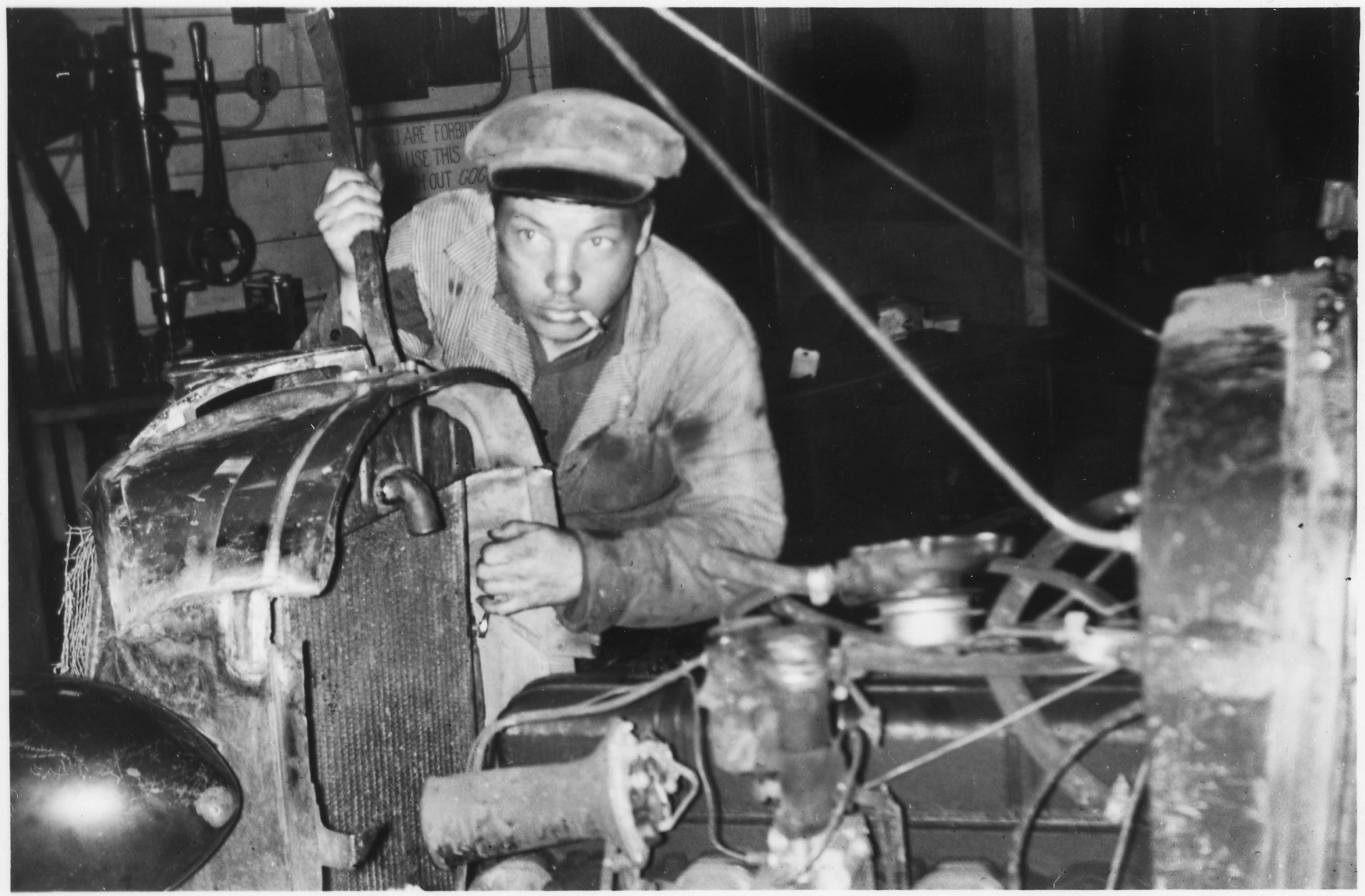
A missed detail after a service visit creates a familiar problem. The technician knows what happened, the office needs a clean record, and the customer needs a useful update. AI job summaries can help turn checked notes into plain language, but only when the business decides which facts the model may use and which decisions still belong to people.
What an AI job summary is
In plain terms, it is a second draft. It takes a small set of approved notes, such as the arrival window, work completed, test result, and next owner, then arranges them into a customer-ready message. An auto repair shop might turn “replaced left rear tyre, pressure checked, adviser to call about alignment” into a short update that tells the customer what is finished and what needs a follow-up.
That is different from asking a model what caused a fault or what a repair should cost. The first task is writing from a record. The second asks for professional judgment. Keeping those jobs separate gives the office a clearer handoff and gives the customer fewer unsupported claims to untangle. In other words, AI job summaries should describe a checked visit, not interpret it.
OpenAI describes Structured Outputs as a way to make model output follow a supplied schema. For this workflow, a schema can require fields such as completed work, checked result, next step, and a review flag. It helps keep the response in the shape the team expects. It does not prove that the values are true.
Give AI job summaries a narrow source boundary
The safest version starts with a deliberately small source packet. Include only job notes that a named person or system has already checked. Keep unknown cause, unapproved scope, price, warranty, safety advice, and dates outside the prompt unless an authorised business record supplies them. If a required field is absent, the output should say that a person needs to check it.
This is not just a formatting preference. NIST’s Generative AI Profile identifies confabulation as a risk, and its AI RMF Core says the intended task, knowledge limits, and human oversight process should be documented. A source boundary gives a reviewer something concrete to compare with the wording before it leaves the business.
Checked field notes
Completed: Replaced the left rear tyre.
Checked: Tyre pressure recorded after fitting.
Next owner: Service adviser to discuss alignment.
Why the margin marks matter
The green mark shows a confirmed action. The amber mark shows wording that needs a named owner before sending. The red mark records facts the draft must not invent. This makes a reviewer compare the message with the evidence, not merely read for a polished tone.
Review the message where context lives
A polished sentence can still be wrong. The reviewer should see the source notes next to the proposed update, not in another tab or a memory of the job. They should check that the customer name, asset, completed work, result, promised next step, and channel are correct. If the note is vague, the right outcome is a question for the technician or office, not a more confident sentence. If two notes conflict, pause the draft and resolve the record first. A fluent message should never become a substitute for a clear job history.
OpenAI’s function-calling guidance makes the same practical distinction: JSON mode can produce valid JSON without guaranteeing a particular schema, and applications still need validation and edge-case handling. In a service workflow, validation means checking the business record and its owner, not merely confirming that the message has all the expected fields.
The NIST AI RMF Core is voluntary guidance, not a service-business rulebook. Its useful lesson here is modest: define who owns oversight, document the system’s limits, test it before use, and monitor it in the real setting. A customer update is a sensible place to apply that habit because the facts are close at hand and corrections are easy to see.
Pilot one update type before expanding
Start with one low-risk message type, such as a completed-work recap that a service adviser already sends manually. Do not begin with diagnosis, a safety instruction, a quote, a warranty decision, or a missed-appointment dispute. Those situations need domain judgment and may need extra policy review.
- Choose three to five approved source fields and one named reviewer.
- Write an explicit “do not add” list for causes, prices, promises, and uncertain dates.
- Compare a small sample of drafts with the original notes before any send.
- Record corrections by type, then change the source fields or review rule before widening use.
Norrsyn AI publicly describes lead-response systems, CRM updates, and follow-up workflows for service businesses. For this kind of workflow, the useful design question is not whether a draft sounds fluent. It is whether the right record, boundary, owner, and correction path are present before a customer receives it.
The practical next step is simple: collect ten recent manual customer updates and highlight which sentences came from confirmed job records. Those highlights are the first candidate fields for a limited AI job summaries pilot. Everything else stays visible as a human question until the team has a reliable source for it.
Sources and methodology
This guide uses primary standards and product documentation. It makes no claim about a model’s accuracy, savings, customer satisfaction, or Norrsyn AI implementation results. The workflow pattern is an editorial interpretation for a low-risk, human-reviewed customer update.
- NIST AI RMF Core, current page checked 11 September 2026.
- NIST AI 600-1 Generative AI Profile, published 26 July 2024 and updated 8 April 2026.
- OpenAI, Introducing Structured Outputs in the API, published 6 August 2024 and checked 11 September 2026.
- OpenAI function-calling guidance, checked 11 September 2026.
- Norrsyn AI public capabilities page, checked 11 September 2026.
Correction note
Found an error or a source that has changed? Tell the Norrsyn AI research team.
Practical next step
Map the job record before you automate the customer update.
Assess the workflow
Reader discussion
Join the discussion
Share a practical question, correction, or experience related to this article.